Mastering 2D MV Animation: From Sketch to Screen with After Effects
🧐 That moment when your 2D animation just doesn’t POP like a pro’s…
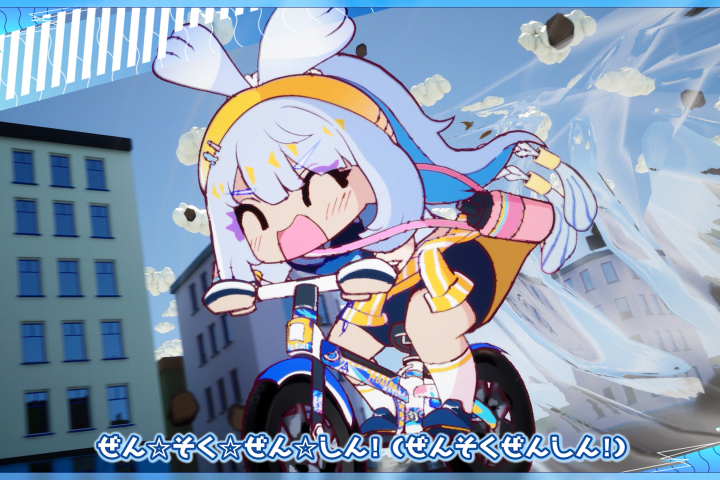 You’ve meticulously planned, animated each frame, and added all the effects, but the final music video feels flat. The motion isn’t quite hitting that satisfying rhythm, and the visual flair is missing. The truth is, achieving that addictive, polished MV look often comes down to a few key workflow adjustments and mastering specific techniques, not just knowing After Effects.
💡 3 Core Principles for Irresistibly Addictive MV Animation
1. The Art of Deliberate Separation: Precision Over Speed
It’s not just about breaking down an illustration into layers; it’s about thinking like an animator from the start. Faruco emphasizes understanding how each part will move before you even touch Photoshop or Clip Studio Paint. This means planning for rig points and considering which elements need independent animation. For instance, separating fingers, facial features, and even subtle costume elements allows for much more nuanced and expressive motion. It’s not just about learning the technique — it’s about shifting how you think about your artwork’s potential for movement.
2. Unlocking Expressive Motion: Beyond Basic Rigging
Forget relying solely on presets. The real magic happens when you understand how to control puppets and bones effectively. This course dives deep into creating dynamic character actions by leveraging After Effects’ rigging tools. Instead of just applying a basic rig, Faruco shows you how to tailor bone structures and use keyframe interpolation strategically to create weight, momentum, and personality. A unique workflow involves using null objects to control groups of bones, allowing for more complex and fluid movements with fewer keyframes, dramatically cutting down production time.
3. The “Satisfying” Finish: Sync and Polish
The final push is crucial. This involves more than just compositing layers; it’s about making the animation sing with the music. A key technique Faruco shares is precisely syncing animation timing to the song’s BPM and key beats. This isn’t just about lip-sync; it’s about making the entire character or scene pulse with the rhythm. Beyond timing, mastering subtle camera movements, thoughtful lighting adjustments, and strategically placed visual effects are the “one extra step” that elevates your MV from good to absolutely mesmerizing. These final touches create that irresistible, professional polish.
🛠️ Key Skills & Details That Define Professional Quality
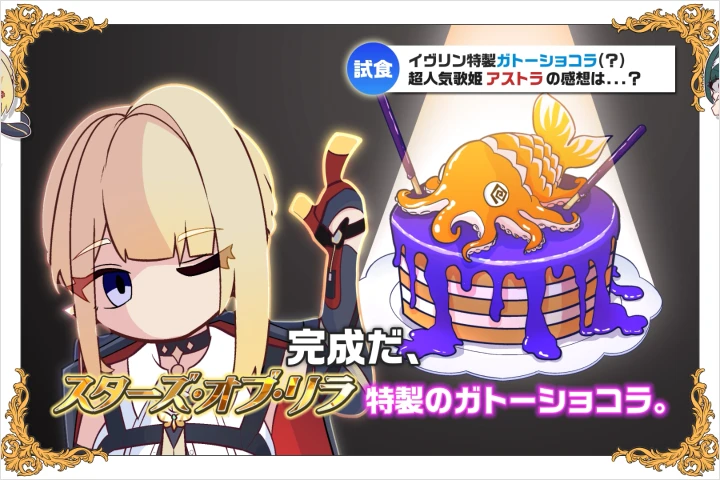
The path to professional 2D MV animation in After Effects, as demonstrated by Faruco, is built on a foundation of practical, hands-on skills rather than just feature lists. It’s about understanding how to translate artistic concepts into dynamic motion efficiently.
- Strategic Part Separation: Efficiently separating illustrations in CSP or Photoshop isn’t just about having layers; it’s about creating a robust puppet ready for animation. This includes understanding how to handle overlapping elements and ensuring clean edges for seamless rigging.
- Advanced Rigging Control: Moving beyond the Puppet Pin Tool, this course delves into IK (Inverse Kinematics) and bone rigging. You’ll learn how to set up complex rigs for characters, allowing for natural limb movement and expressive posing. The focus is on creating rigs that are both flexible and efficient to animate.
- Original VFX Creation: Instead of relying on pre-made assets, you’ll learn Faruco’s methods for building unique visual effects from scratch. This involves understanding principles of motion, color, and layering to create distinctive glows, particles, and transitions that enhance the MV’s aesthetic without looking generic.
- BPM-Driven Animation: Directly syncing animation keyframes to the music’s beats per minute (BPM) is paramount. This technique ensures that the visual energy matches the song’s tempo, making the animation feel intrinsically linked to the audio.
- Compositing for Impact: Mastering compositing goes beyond simply stacking layers. It involves understanding color correction, depth of field effects, and subtle camera movements to create a sense of space and draw the viewer’s eye, adding commercial-level polish to the final product.
💬 Frequently Asked Questions
Q. How can a beginner with limited After Effects experience start creating 2D MVs?
A. 2 Dmotionartist Faruco designed this course for accessibility. It breaks down complex processes into manageable steps, starting with fundamental rigging and animation principles. You’ll learn by doing, gradually building your skills from basic Puppet Tool use to more advanced bone rigging, ensuring you can apply techniques immediately without needing prior programming or specialized knowledge.
Q. What’s the most crucial difference between amateur and professional 2D MV animation?
A. The key differentiator lies in the deliberate execution of motion and visual polish. Professionals, like 2 Dmotionartist Faruco, focus heavily on syncing animation precisely with the music’s tempo, using sophisticated rigging for fluid character movement, and applying signature VFX and compositing techniques that elevate the overall feel. It’s about intentional choices at every stage, from initial concept to final rendering, to create that addictive, commercial-grade quality.
Q. Can I create my own unique visual effects without using stock assets?
A. Absolutely. A core takeaway from 2 Dmotionartist Faruco’s teachings is the ability to develop original VFX. The course emphasizes understanding the underlying principles of visual effects and motion, empowering you to craft unique elements like glows, particles, and atmospheric effects tailored to your specific MV. This approach ensures your work stands out and avoids the trap of generic, overused assets.