Mastering Semi-Realistic Characters in Blender: Expert Workflow Secrets
🧐 Why Your Semi-Realistic Characters Aren’t Hitting the Mark
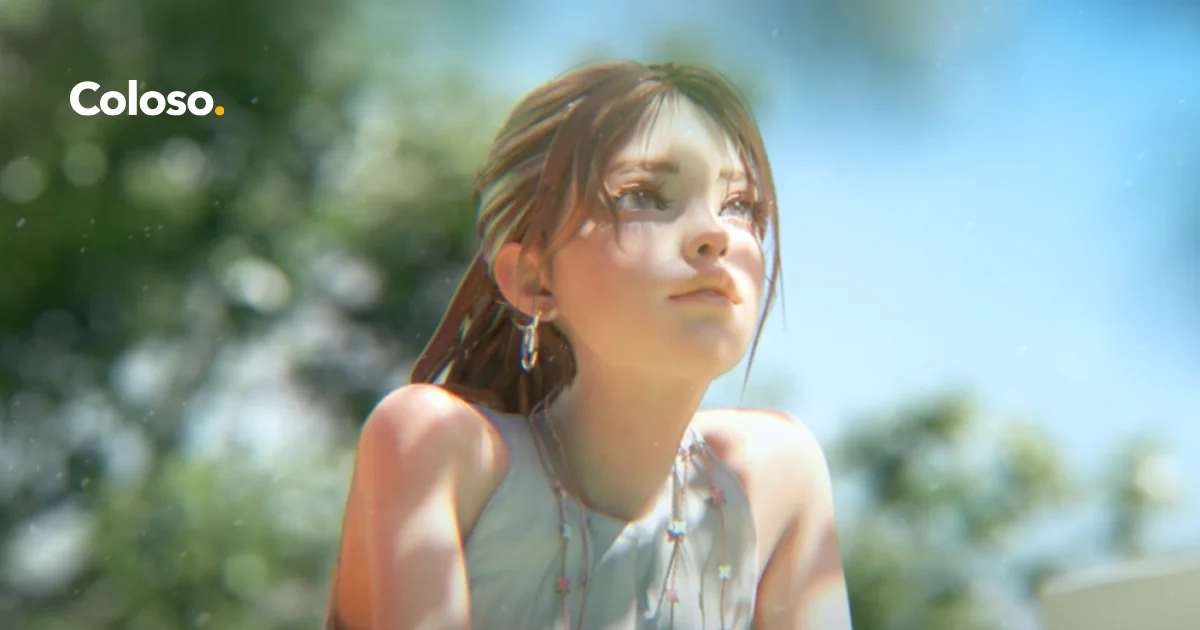 It’s common to follow tutorials precisely and still find your semi-realistic character models lacking that professional polish. Often, the subtle details in sculpting, retopology, and texturing are where the magic truly happens, and small oversights can lead to results that feel ‘off’.
💡 Three Core Principles for Professional Semi-Realistic Character Creation
1. Sculpting with Anatomical Intent
Focus on building the character’s form with a deep understanding of underlying anatomy, even when stylizing. Pay close attention to proportions, the subtle curves of the face, and how forms connect. For instance, understanding how the eye socket affects the eyelid’s surface and how the skull’s structure informs ear and nose shape is critical. Don’t just sculpt what you see; sculpt what you know is there, then selectively omit details that enhance the semi-realistic appeal and avoid uncanny valley effects.
2. Efficient Retopology for Smooth Deformation
When retopology begins in Blender after sculpting in ZBrush, prioritize edge flow that supports natural deformation. This isn’t just about creating a clean mesh; it’s about anticipating movement. Key areas like the mouth, eyes, and joints require loops that follow muscle lines and facial expressions. This foresight drastically simplifies later rigging and animation stages, ensuring the character moves believably without pinching or tearing.
3. Strategic Texturing and Material Definition
Leveraging Substance Painter allows for nuanced material application that defines the character’s semi-realistic quality. Instead of just applying colors, think about the story each material tells. Consider subtle imperfections, wear, and tear that add realism. For example, understanding how light interacts with different surface types – from smooth skin to rough fabric – and translating that into texture maps (Albedo, Roughness, Normal) is crucial for a believable outcome.
🛠️ Key Skills & Details That Define Professional Quality
Achieving professional-grade semi-realistic characters hinges on mastering specific workflows within your chosen software. The process starts with foundational sculpting in ZBrush, where understanding anatomical landmarks is paramount. This includes precise placement of facial features, ensuring correct depth and balance, and sculpting ears and noses with stylization in mind.
Transitioning to Blender, the focus shifts to technical execution. Effective retopology is vital; the edge flow needs to be optimized not just for aesthetics but for how the character will eventually animate. This means creating clean topology that facilitates smooth deformation around areas like the mouth, eyes, and limbs.
Beyond modeling, the application of realistic textures in Substance Painter is where the character truly comes alive. This involves understanding PBR (Physically Based Rendering) workflows, carefully crafting maps for color, roughness, and normals to simulate real-world material properties.
Finally, the integration of these elements through careful rigging in Blender, followed by thoughtful lighting and compositing in After Effects, culminates in a polished, cinematic presentation. This comprehensive approach, from initial sculpt to final render, ensures every detail contributes to a cohesive and professional final output.
💬 Frequently Asked Questions
Q. How does Cgproductionstudio approach the balance between stylized and realistic features in semi-realistic characters?
A. Cgproductionstudio emphasizes understanding core anatomy as the foundation. Stylization is then applied thoughtfully, focusing on exaggerating or simplifying specific features while maintaining believable proportions and form. It’s about interpreting reality, not just copying it.
Q. What are the most critical retopology loops for semi-realistic character faces, according to Cgproductionstudio’s workflow?
A. Cgproductionstudio prioritizes loops around the eyes and mouth for expressive animation. These loops ensure that when the character blinks or speaks, the geometry deforms naturally without pinching or creating unwanted artifacts. Creating a clean quad-based topology is key.
Q. Can Cgproductionstudio provide tips on achieving natural-looking skin textures for semi-realistic characters?
A. Cgproductionstudio suggests focusing on variations in roughness and subtle color shifts rather than overt details. Using a combination of albedo, roughness, and subsurface scattering maps in the rendering engine helps simulate how light interacts with skin, adding a layer of believable depth and softness.