🛠️ Key Skills & Details That Define Professional Quality
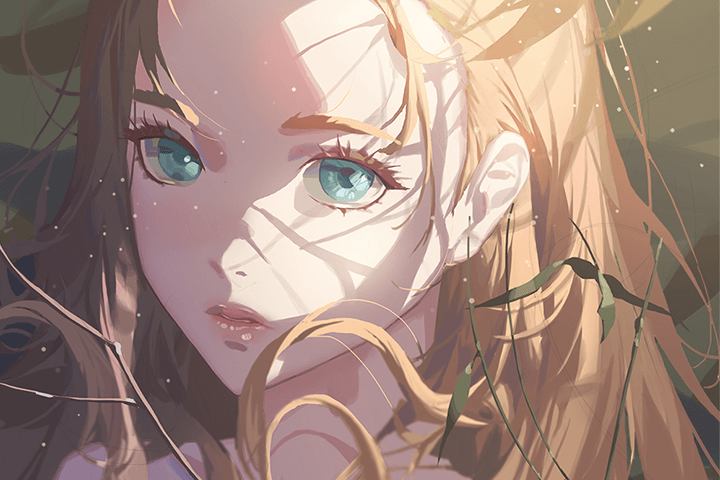
- Dynamic Poses and Silhouettes: Go beyond static anatomy by learning to design characters from a silhouette. Understanding how to vary pose and angle, as covered in Section 06: Pose, is crucial for creating dynamic and engaging characters that stand out.
- Strategic Coloring with Photoshop: Master the 5-step coloring method, explore color theory basics like saturation and contrast, and learn to apply these principles to costumes, faces, and bodies. Sections 12 and 13 detail how to use Photoshop tools effectively for vibrant results.
- Leveraging Light for Atmosphere: Deepen your understanding of light’s role by studying different light types, their effects, and how they alter color perception. This knowledge, crucial for creating depth and atmosphere, is a recurring theme throughout the course.
- Finishing Touches for Polish: Learn to add those crucial details that elevate a drawing from good to great. This includes mastering effect brushes for accessories, refining outlines, and applying correction methods that give your artwork a polished, professional look.
💬 Frequently Asked Questions
Q. As an illustrator, what’s the best way to improve my figure drawing skills from beginner to advanced?
A. To transition from beginner to advanced in figure drawing, focus on understanding the underlying anatomy and how to represent the human body as a collection of volumes. Practice drawing from various angles and poses, paying attention to proportions and how muscles and shapes interact. Sections 01 through 06 provide a solid foundation for this, covering everything from basic croquis to full-body scans and dynamic poses.
Q. As an illustrator, how can I make my character coloring more realistic and appealing, similar to traditional painting styles?
A. Achieving a traditional painting style involves mastering light and color theory, and applying them strategically. Focus on understanding how light interacts with surfaces to create highlights and shadows (Sections 14 and 20). Learn coloring techniques like glazing and utilize Photoshop tools such as Curves, Dodge, and Burn effectively (Section 18). Practicing the 5-step coloring method detailed in the course will also provide a structured approach to build depth and realism.
Q. As an illustrator, what are some essential Photoshop skills and workflow tips for character illustration?
A. Beyond basic drawing, essential Photoshop skills for character illustration include efficient layer management, mastering brush settings and their pressure dynamics, and understanding shortcut keys for faster workflow. Sections 16 and 17 touch upon setting up your workspace and exploring Photoshop’s features. Learning specific techniques like using clipping masks for controlled coloring and effect brushes for details can significantly boost both the quality and speed of your work.