💡 Core Principles for Stunning Backgrounds
1. Strategic Use of Aerial & Atmospheric Perspective
This isn’t just about making things smaller in the distance. It’s about layering colors and values to create a tangible sense of depth. By carefully softening details and adjusting color temperature—think blues for cooler, distant tones—you establish a believable atmosphere. The script highlights using gradients and specific layer modes like Darken or Overlay to naturally push elements back. This technique is crucial for preventing a flat, stage-like appearance, making your scenes feel expansive and immersive.
2. Intentional Value and Contrast Management
The script repeatedly emphasizes controlling where the eye goes. Contrast is your primary tool here. When elements are too prominent or too similar in value, the scene feels jumbled. The expert demonstrates how to use tools like the Gradient tool or specific layer blending modes (like Darken with a blue overlay) to subdue distracting elements, like signs or crosswalks, ensuring they serve the overall composition rather than fighting it. Balancing contrast across different planes—foreground, midground, and background—is key to a professional, well-organized image.
3. The Art of Asset Integration and Retouching
Leveraging photo assets can be a game-changer, but simply dropping them in won’t cut it. The expert shows how to meticulously retouch these assets to match the perspective, lighting, and overall mood of your scene. This involves adjusting levels, clipping masks to control color and brightness, and strategically erasing or blending edges. It’s about making the asset your own and ensuring it harmonizes with your hand-drawn elements, rather than sticking out like a sore thumb. For instance, using bird assets and transforming them into a distant flock through size, color, and placement adds atmosphere without overwhelming the viewer.
🛠️ Key Skills & Details That Define Professional Quality
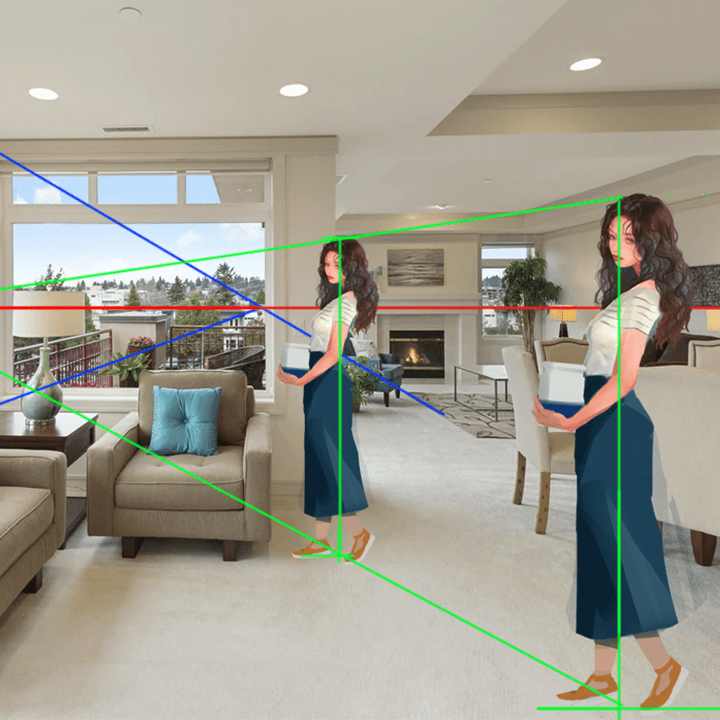
Mastering background art goes beyond just drawing buildings or landscapes. It involves a sophisticated understanding of how light interacts with surfaces and how color choices dictate mood and perception. The expert’s approach emphasizes the practical application of theory:
- Color Theory for Atmosphere: Understanding color relationships, contrast, and saturation isn’t just academic; it’s the engine for creating specific moods. The class breaks down how to analyze existing art and create personal color palettes to achieve desired effects, whether it’s a warm, inviting daytime scene or a chilling, eerie night.
- Light as a Narrative Tool: Learning to depict various light sources, understand their falloff, and define shadow shapes with precision allows you to sculpt your scene. This includes understanding how different light types (e.g., streetlights, ambient light) affect the surrounding environment and how to use them to guide the viewer’s eye.
- Compositional Flow: The expert stresses that even small details like adding fences, garbage cans, or even text elements (like a nickname) can contribute to the overall flow and storytelling. They demonstrate how to place these elements thoughtfully, ensuring they enhance the composition rather than cluttering it, and how to use visual pathways to lead the eye through the scene. This includes understanding how to use foreground elements to frame the main subject and create a sense of depth.
- Advanced Retouching for Integration: For those using photo assets, the emphasis is on making them look as if they were painted. This involves understanding how to manipulate color, brightness, and texture using layer masks and blending modes to seamlessly integrate them. The process of transforming raw assets into cohesive parts of the artwork is a critical skill for efficient and high-quality background creation.
💬 Frequently Asked Questions
Q. How can an Illustrator effectively use reference images without making their artwork look like a collage?
A. The key is retouching and integration. Instead of directly pasting reference images, professionals use them as a foundation. This involves adjusting perspective, lighting, and color to match the overall artwork. Techniques like using clipping masks to alter color and brightness, and strategically erasing parts of the asset, help it blend seamlessly. The goal is to borrow the essence of the reference, not its exact form.
Q. Illustrator Rojo mentions “aerial perspective” multiple times. What’s the most straightforward way for a beginner to grasp and apply this concept?
A. Aerial perspective is all about simulating how the atmosphere affects our view of distant objects. The most straightforward application is to make distant elements lighter, less saturated, and bluer. You can achieve this by reducing the opacity of distant layers, applying a soft blue overlay, and slightly blurring them. Think of it as adding a subtle atmospheric haze that naturally pushes things further away.
Q. What’s the most common mistake beginners make when trying to add depth to their background illustrations, and how can Illustrator Rojo’s techniques address it?
A. A common mistake is failing to manage the contrast and value structure effectively, leading to a flat or cluttered image. Beginners often apply contrast uniformly. Rojo’s method emphasizes strategic contrast: keeping the focal areas sharp and well-defined while subtly reducing contrast in less important or distant areas. This is achieved through precise value adjustments and the use of blending modes, ensuring that depth is perceived naturally and the viewer’s eye is guided where intended.