Mastering Anime Illustrations: Zeklewa’s Perspective & Photobashing Secrets
🧐 Ever feel like your anime illustrations are missing that professional polish, even after following all the steps?
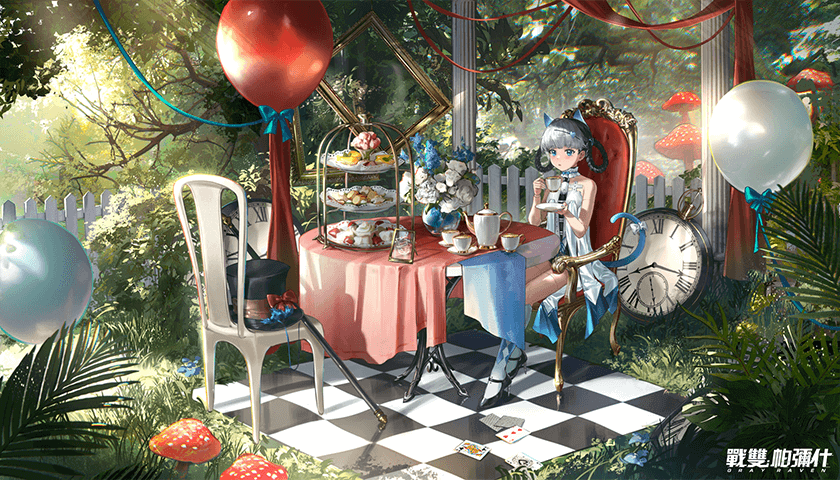 There’s a common bottleneck in creating compelling scenes: getting the foundational composition and perspective right, and then seamlessly integrating photobashing elements. Many struggle to make these components truly harmonize, leading to illustrations that feel disconnected or flat. This breakdown reveals how Illustrator Zeklewa approaches these challenges, offering practical insights to elevate your work.
💡 Core Strategies for Stunning Anime Illustrations
Here are three key takeaways from Illustrator Zeklewa’s approach that can significantly boost your illustration quality:
1. The Art of Foundational Structure: Mastering Perspective and Composition
<<Illustrator Zeklewa emphasizes that a solid understanding of perspective isn’t just about drawing accurate lines; it’s about building a believable world. The core principle here is to think in 3D space even when working on a 2D canvas. This involves meticulously analyzing reference images or creating simple 3D block-ins to understand vanishing points, horizon lines, and convergence. This detailed structural approach ensures your environments feel immersive and your characters are naturally placed within them, transforming flat concepts into dynamic scenes.>>
2. Efficiency Through Strategic Photobashing
<<Zeklewa’s workflow highlights a smart way to leverage photobashing for efficiency without sacrificing artistic integrity. Instead of simply overlaying images, the key is to use them as building blocks for texture and form. This involves carefully selecting reference photos that match the desired lighting and perspective of your illustration, and then using layer masks, blending modes, and opacity adjustments to seamlessly integrate them. The insight here is that effective photobashing isn’t about hiding the seams, but about intelligently blending elements so they enhance the overall illustration, significantly cutting down production time while maintaining a cohesive look.>>
3. The ‘Finishing Touch’ Detail: Leveraging Photoshop Filters for Cohesion
<<To achieve that polished, professional look, Zeklewa adds a crucial final step: strategic use of Photoshop filters. This isn’t about slapping on a generic filter, but about understanding how specific filters can enhance color, tone, and texture to unify the entire piece. Techniques like applying subtle noise for texture, using blur filters to guide the viewer’s eye, or adjusting color balance to ensure all elements feel like they belong to the same scene are paramount. This one extra step ensures all disparate elements, especially those from photobashing, are harmonized, giving your illustration a truly finished and professional appearance.>>
🛠️ Key Skills & Details That Define Professional Quality
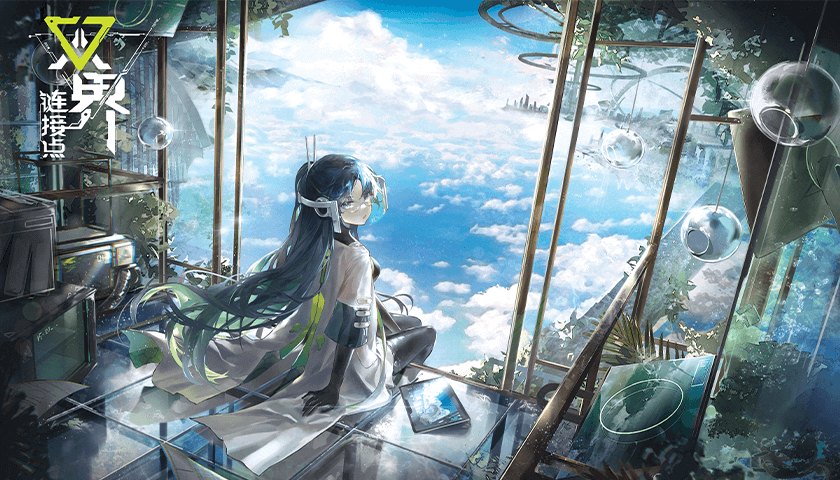
Moving beyond basic techniques, professional anime illustration relies on a nuanced application of tools and an understanding of visual flow. Illustrator Zeklewa’s approach focuses on practical skills that make a tangible difference:
- Precise Perspective Construction: Zeklewa demonstrates how to analyze and construct scenes using 3-point perspective, showing how to efficiently break down complex architectural elements and environments. This involves understanding how to sketch basic forms and then refine them using perspective grids, ensuring accuracy and believability.
- Seamless Photobashing Integration: The course details the process of sourcing and preparing photographic elements. Zeklewa shows how to meticulously match light sources, color palettes, and angles to make photobashed components blend organically with hand-drawn elements. Mastering layer masks and blend modes is crucial here for creating convincing textures and details.
- Artistic Color and Value Adjustments: A significant part of the professional finishing process involves using Photoshop filters and adjustment layers not just for color correction, but for artistic enhancement. Zeklewa guides learners through using tools like Curves, Levels, and Hue/Saturation to refine the overall mood and impact of the illustration, ensuring a strong visual narrative. This involves understanding how subtle adjustments can dramatically improve the final image quality.
💬 Frequently Asked Questions
Q. How does Illustrator Zeklewa recommend practicing perspective drawing efficiently?
<<Illustrator Zeklewa suggests building a visual library of perspective examples and then actively practicing by analyzing and recreating scenes. They emphasize consistent practice, even if it’s just for short periods daily, to solidify understanding of concepts like vanishing points and construction.>>
Q. What are Illustrator Zeklewa’s key photobashing techniques for blending images?
<<Illustrator Zeklewa’s photobashing workflow centers on matching photographic elements to the illustration’s existing light, color, and perspective. They utilize layer masks, blending modes, and opacity adjustments to seamlessly integrate source images, treating them as extensions of the painted elements rather than just overlays.>>
Q. What specific Photoshop filters does Illustrator Zeklewa find most useful for finishing illustrations?
<<Illustrator Zeklewa highlights the utility of filters like Gaussian Blur for depth of field, Unsharp Mask for sharpening details, and noise filters for adding texture. They also stress the importance of adjustment layers (like Curves and Color Balance) to unify the overall color and tonal scheme, ensuring a cohesive final image.>>
👉 Want to Go Deeper?
For those looking to truly master these techniques and see them applied in a professional context, exploring the full curriculum is highly recommended.