🛠️ Key Skills & Details That Define Professional Quality
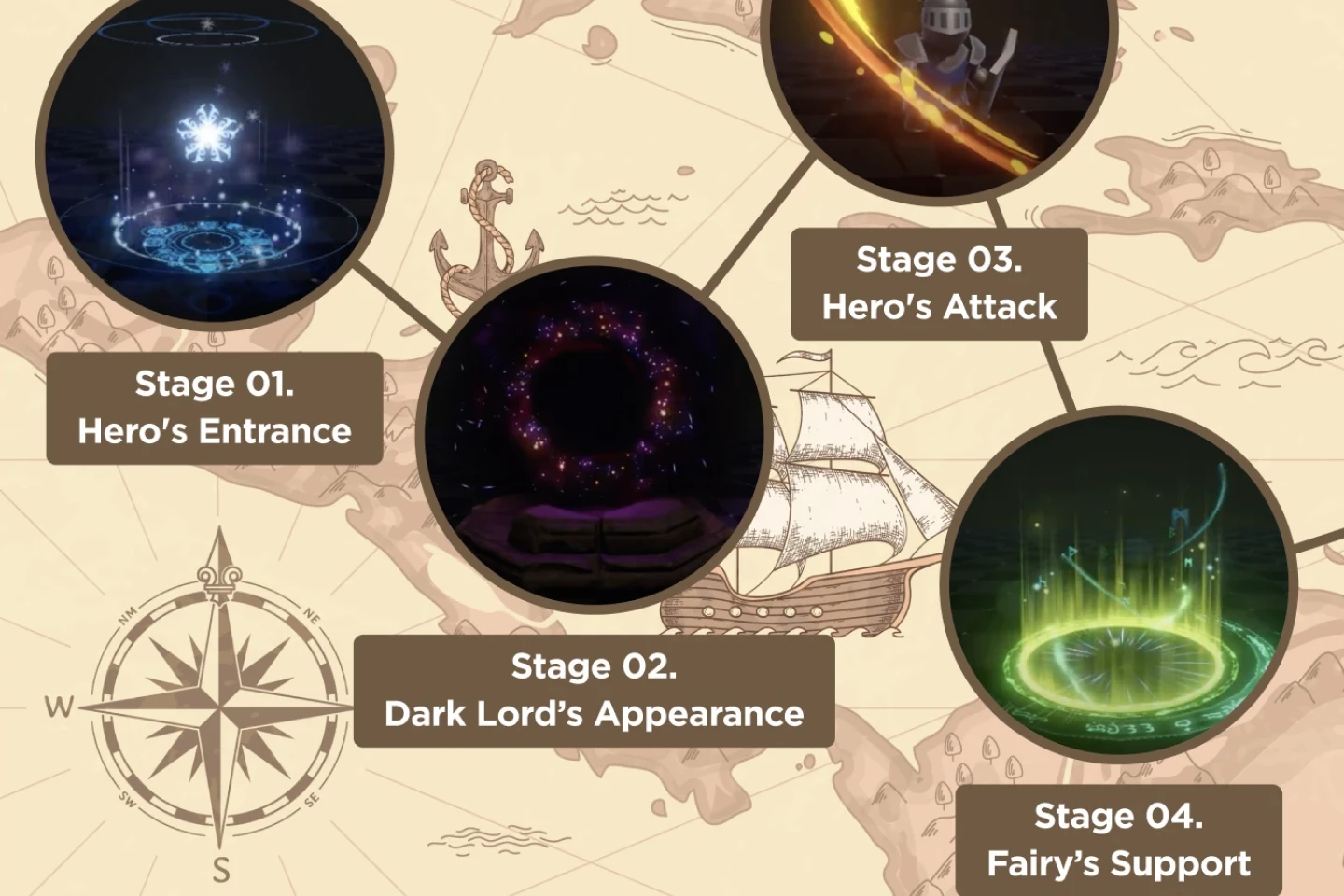
Professional VFX work in games isn’t just about the final visual; it’s about the efficiency and elegance of the workflow. Shin consistently emphasizes understanding how to leverage Unity’s built-in systems to their fullest.
- Texture Control: For effects like the cloud deformation, the key is understanding how to manipulate texture density and blur using Photoshop filters like Motion Blur and Curves. Adjusting the opacity of duplicated and merged layers also adds depth.
- Dynamic Texturing with Layer Styles: Applying Outer Glow via Layer Styles in Photoshop, rather than rasterizing and blurring, provides a more controlled and flexible way to achieve emissive text effects. This preserves the text’s editability and integrates seamlessly with particle systems.
- Mesh Adaptation: For custom meshes like cylinders, understanding how to convert to Editable Poly in 3ds Max and then manipulating the face normals (using Flip) is essential. Equally important is mastering pivot point adjustments for precise positioning within Unity.
- UV Unwrapping for Texture Application: Once your mesh is ready, proper UV unwrapping is non-negotiable. Shin shows how to open the UV Editor and use projection methods to ensure textures are applied correctly, especially for curved surfaces or effects that rely on specific texture layouts.
- Particle System Nuances: Beyond basic setup, diving into Particle System settings like Spacing, Size Jitter (in Shape Dynamics), Velocity (Force, Limit), and Render Modes (Additive vs. Alpha Blended) is where professional quality truly emerges. Experimenting with these parameters is key.
💬 Frequently Asked Questions
Q. How can VFX Artist Seolhwa Shin’s techniques help me improve my Unity particle system effects?
A. Shin’s approach focuses on practical, efficient workflows. By mastering texture preparation in Photoshop using specific filters and layer styles, and understanding mesh manipulation and pivot point precision in 3ds Max, you gain the foundational skills to create more visually appealing and technically sound effects directly within Unity’s particle system.
Q. What’s the most efficient way to create emissive text effects for magical runes in Unity, according to this VFX Artist?
A. Instead of complex rasterization and blurring, the most efficient method highlighted by VFX Artist Seolhwa Shin is to utilize Photoshop’s Layer Styles. Applying an “Outer Glow” effect with specific color and blur settings to your text layers in Photoshop before importing them into Unity will give you a clean, luminous look with greater control and easier iteration.
Q. VFX Artist Seolhwa Shin mentions customizing brushes in Photoshop for effects. What’s the key setting for organic textures like clouds?
A. For organic textures like cloud deformation, the crucial Photoshop brush setting is often the “Spacing” value, which controls the density of the brush strokes. Additionally, adjusting “Size Jitter” in Shape Dynamics allows for random variations in brush size, creating a more natural and less repetitive appearance, which can then be further refined with filters like Motion Blur and the Curves adjustment.